Prompt example 01
Use this example Prompt
A cinematic travel poster for Kyoto in spring, soft rain, lantern reflections, elegant typography
Use case
Describe an image in words and create a visual draft you can reuse for social posts, mockups, or storyboards.
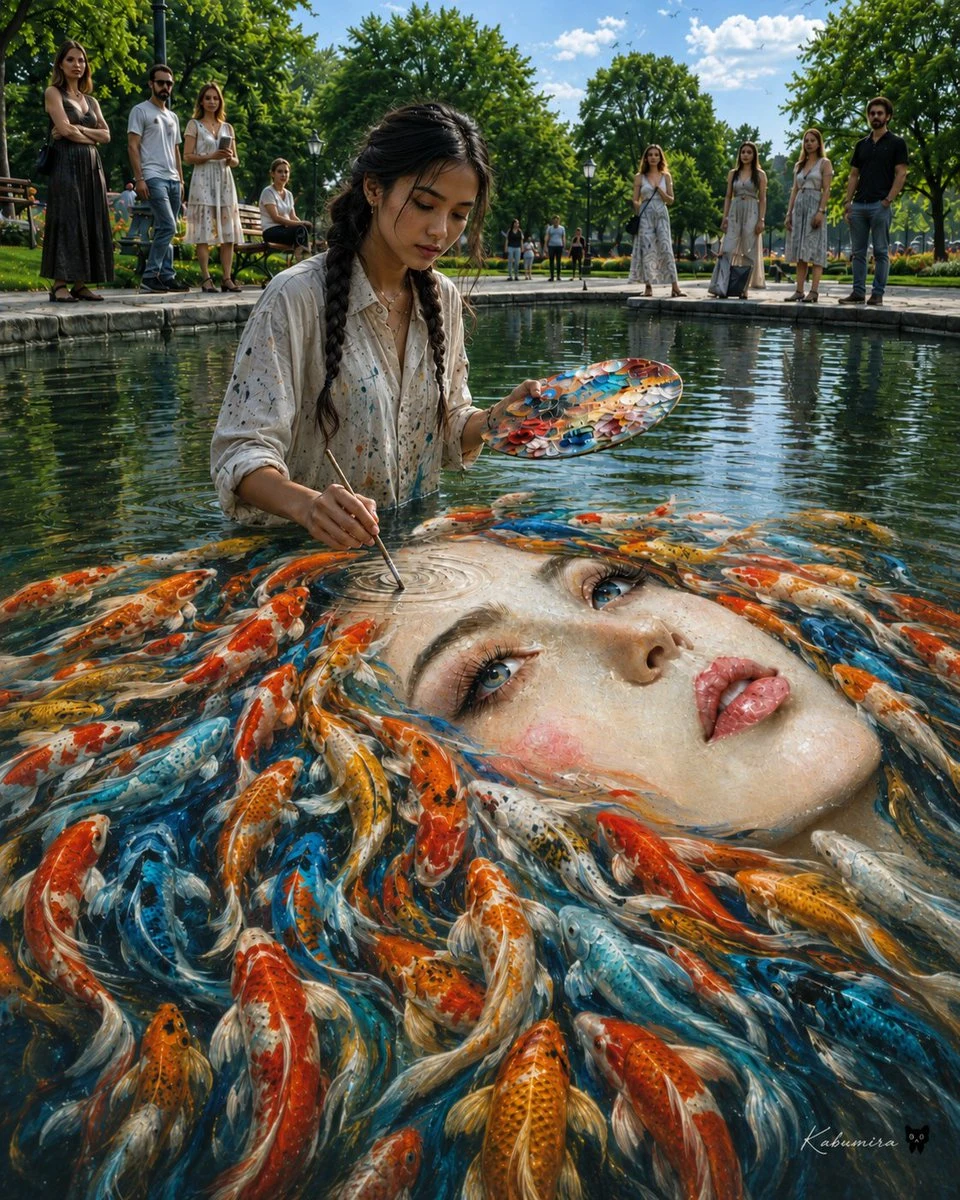
Visual direction preview
Describe an image in words and create a visual draft you can reuse for social posts, mockups, or storyboards.
01
Each example keeps the full structure intact. Send one to Imagine, then replace it with your subject.
A cinematic travel poster for Kyoto in spring, soft rain, lantern reflections, elegant typography
A minimalist app hero image showing a calm AI assistant workspace
02
Turn an abstract request into visual decisions you can control, compare, and refine.
Turn an abstract request into visual decisions you can control, compare, and refine.
Turn an abstract request into visual decisions you can control, compare, and refine.
Turn an abstract request into visual decisions you can control, compare, and refine.
03
Three focused steps bring the first generation closer to a useful result.
Describe subject, style, and composition
Pick the canvas format
Generate variations from the best result
04 · FAQ
Practical answers about generation, credits, and final production.
Strong prompts name the subject, composition, style, lighting, and intended use.
New accounts can start free with included credits. Credits are consumed based on model, size, and generation settings.
FreeGPTBanana · Starter credits included
Choose a prompt example and keep refining it in your private Imagine workspace.