AI Image Workflow
How to Use a Free AI Image Generator: A Practical Beginner's Guide
Learn how free AI image generators use prompts, accounts, starter credits, references, and settings to create a useful first image.
In this guide
A free AI image generator is easiest to evaluate by making one useful image, not by collecting a long list of feature claims. Start with a clear visual idea, describe the decisions that matter, review the first result, and refine it with a focused follow-up.
The word “free” also needs context. Some services provide starter credits, some limit output size or daily use, and some require an account before generation. A responsible guide should explain those conditions instead of promising unlimited or unrestricted access.
This guide walks through a practical first-image workflow in FreeGPTBanana. It covers text prompts, optional reference images, starter credits, image settings, and six examples you can adapt for real creative work. For the underlying prompt structure, read How to Write AI Image Prompts.
What a free AI image generator actually means
Free image generation usually means that a new user can try a service with included credits or a limited allowance before choosing whether to pay for more usage. It does not necessarily mean no account, unlimited generations, every model, every resolution, or unrestricted commercial production.
Before choosing a tool, check five practical questions:
- Is an account required?
- What starter credits or trial allowance is included?
- Which models, sizes, and reference-image options are available?
- What happens when credits are used?
- Can the workflow save, refine, and revisit results?
FreeGPTBanana is an account-based Imagine workspace. New accounts can start with included credits. Credits are consumed according to the selected model, size, and generation settings, and the current interface is the source of truth for what is enabled. The service supports text prompts, optional reference images, prompt templates, and a private generation workspace. It does not claim unlimited or unrestricted generation.
A reliable first-image workflow
1. Choose a concrete goal
Do not start with “make something cool.” Decide what the image is for: a profile photo, product concept, social post, story illustration, campaign direction, or visual explainer. The destination determines the crop and level of detail.
2. Describe the subject
Name the person, object, or scene first. Add only attributes that change the result, such as material, color, role, expression, season, or setting.
3. Set the composition
Tell the model how the subject should occupy the frame. Use terms such as close-up, three-quarter view, centered, top-down, wide banner, vertical poster, or negative space on the left. Add the intended aspect ratio when it matters.
4. Add visual language
Choose a coherent direction: soft window light and editorial photography, clean studio product photography, hand-painted illustration, or polished 3D render. A few compatible cues usually outperform a long adjective list.
5. Generate, review, and refine
Inspect the result for the actual goal. Is the product recognizable? Does the portrait feel credible? Is there enough space for copy? Are any labels, dates, or small details wrong? Keep what works and ask for one focused correction.
This process is more useful than judging a tool from one vague prompt. It also produces a repeatable creative habit that works across free AI image generator, text-to-image, and reference-image workflows.
Six beginner-friendly prompt examples
A professional portrait
Professional founder headshot for a climate technology company, calm direct gaze, navy overshirt, chest-up crop, warm gray studio background, soft directional light, natural skin texture, restrained retouching, editorial photography for an About page.
Use a permitted reference image when identity matters. Keep the written prompt focused on role, expression, wardrobe, lighting, and crop.
An ecommerce concept
Clean ecommerce product photo of a matte ceramic travel mug, three-quarter view on a pale stone surface, soft studio reflection, natural contact shadow, warm neutral background, accurate handle and lid proportions, square listing composition.
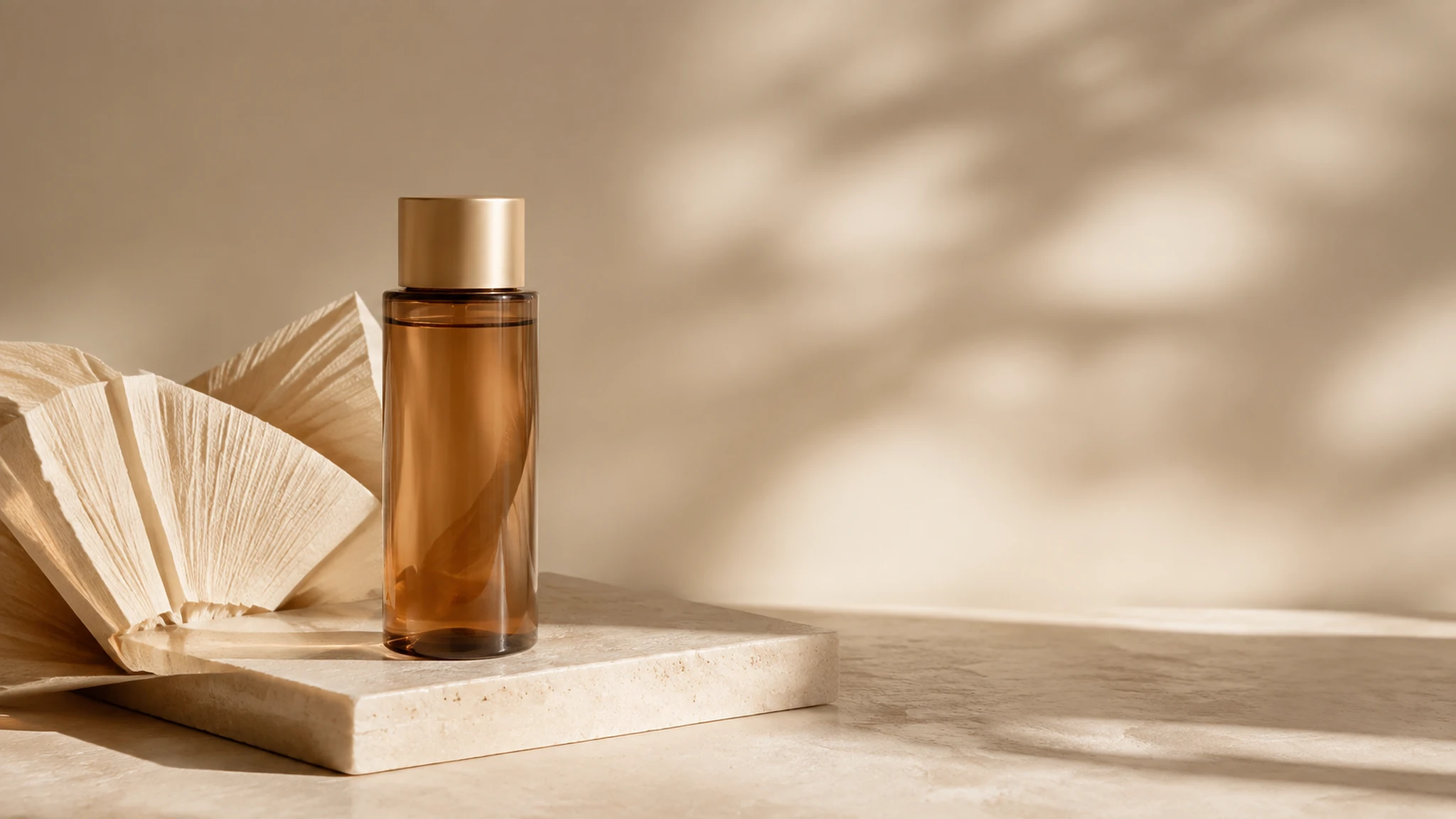
For real products, compare the generated concept against the source item. AI can create a compelling scene while changing a label, closure, proportion, or material.
A text-to-image campaign visual
Launch visual for a small productivity app, calm modern desk with a laptop, notebook, and warm lamp, clear central focal point, cobalt and soft cream palette, editorial commercial photography, wide composition with negative space on the right for final campaign copy.
A lifestyle scene
Editorial lifestyle image of a reusable water bottle beside a hiking map and folded jacket on a wooden bench, late afternoon mountain light, realistic textures, quiet outdoor mood, natural shadows, landscape composition for a travel article.
An illustration
Friendly editorial illustration showing a person turning a rough idea into a finished image, three connected stages, warm paper background, coral and blue accents, simple dimensional shapes, clear left-to-right hierarchy, generous space for final labels, no rendered body text.
A reference-image transformation
Use the uploaded product photo as the reference. Keep the product shape, color, label placement, and visible hardware unchanged. Place it in a clean studio scene with a pale blue background, soft directional lighting, realistic contact shadow, and open space on the left for ecommerce copy.
Only upload images you are allowed to use. For more reference-image patterns, see How to Use Reference Images for Consistent AI Generations.
How to choose the right free workflow
Text only for early ideas
Use a text-only prompt when you are exploring a new concept and do not need to preserve a specific face, product, or composition. It is quick and flexible for campaign directions, illustrations, moodboards, and story concepts.
Reference images for continuity
Use a reference when identity or product geometry matters. Explain what to preserve and what to transform. A reference should narrow ambiguity, not replace the written brief.
Prompt templates for repeatable work
Use a template when you create similar assets repeatedly. Keep stable fields such as camera angle, crop, palette, or brand mood, and make the subject and campaign goal editable. The Prompt collection is a useful starting point for this kind of structure.
Size and aspect ratio for the destination
Choose square, portrait, or landscape before generating if the image will be placed into a fixed channel. A larger output may be useful for production, but resolution cannot repair the wrong composition. Ask for text-safe areas instead of trusting generated small copy.
Free versus paid expectations
A free trial or starter-credit workflow is valuable for testing whether a product fits your needs. It lets you compare prompt patterns, discover which settings matter, and create an initial direction before committing to a larger workflow.
It is not a promise of unlimited production. You may need more credits for multiple variations, larger sizes, or different models. Provider costs, model availability, account rules, and plan details can change, so read the current product and billing pages before planning a campaign.
Be especially careful with articles that use “free” to imply every capability at no cost. A more useful question is: can I create and evaluate a meaningful first result within the included allowance, and do I understand what happens next?
Common beginner mistakes
Starting with a vague subject
“A beautiful image” is not a brief. Name the subject, context, and purpose.
Adding every style at once
Photorealistic, watercolor, 3D, flat vector, maximalist, and minimalist are competing directions. Choose one primary medium and a few supporting cues.
Ignoring the crop
A good square image may not work as a vertical Story or a wide banner. State the destination and negative space.
Treating the first result as final
AI image generation is an iterative workflow. Review important details, identify the largest problem, and change one or two instructions at a time.
Trusting generated text without review
Important words, prices, dates, labels, and data should be typeset and checked by a person. A visual can be a strong concept while still containing incorrect text.
Ready to try the workflow? Start an Imagine session with the free AI image generator campaign context.
FAQ
Is a free AI image generator really free?
It depends on the service. Many products provide starter credits or a limited trial, then charge for additional usage. Check account, credit, size, model, and plan rules rather than assuming unlimited access.
Do I need an account?
Some tools allow limited anonymous previews, while others require an account. FreeGPTBanana uses an account-based workspace and provides included credits for new accounts.
Can I use a reference image?
Yes, if the selected workflow supports it and you have the right to use the source. Explain which elements must remain consistent and which should change.
What should I generate first?
Choose a small, specific task with a clear destination. A profile concept, product scene, social visual, or editorial illustration makes it easier to judge the workflow than a vague experiment.
How do I improve a weak result?
Keep the successful parts and issue one focused correction. Specify the subject or detail that is wrong, the desired change, and anything that must remain unchanged.
Put the workflow into practice
Create a focused first image
Start with included credits, keep the prompt and references together, and refine the result in your private Imagine workspace.
Open Imagine